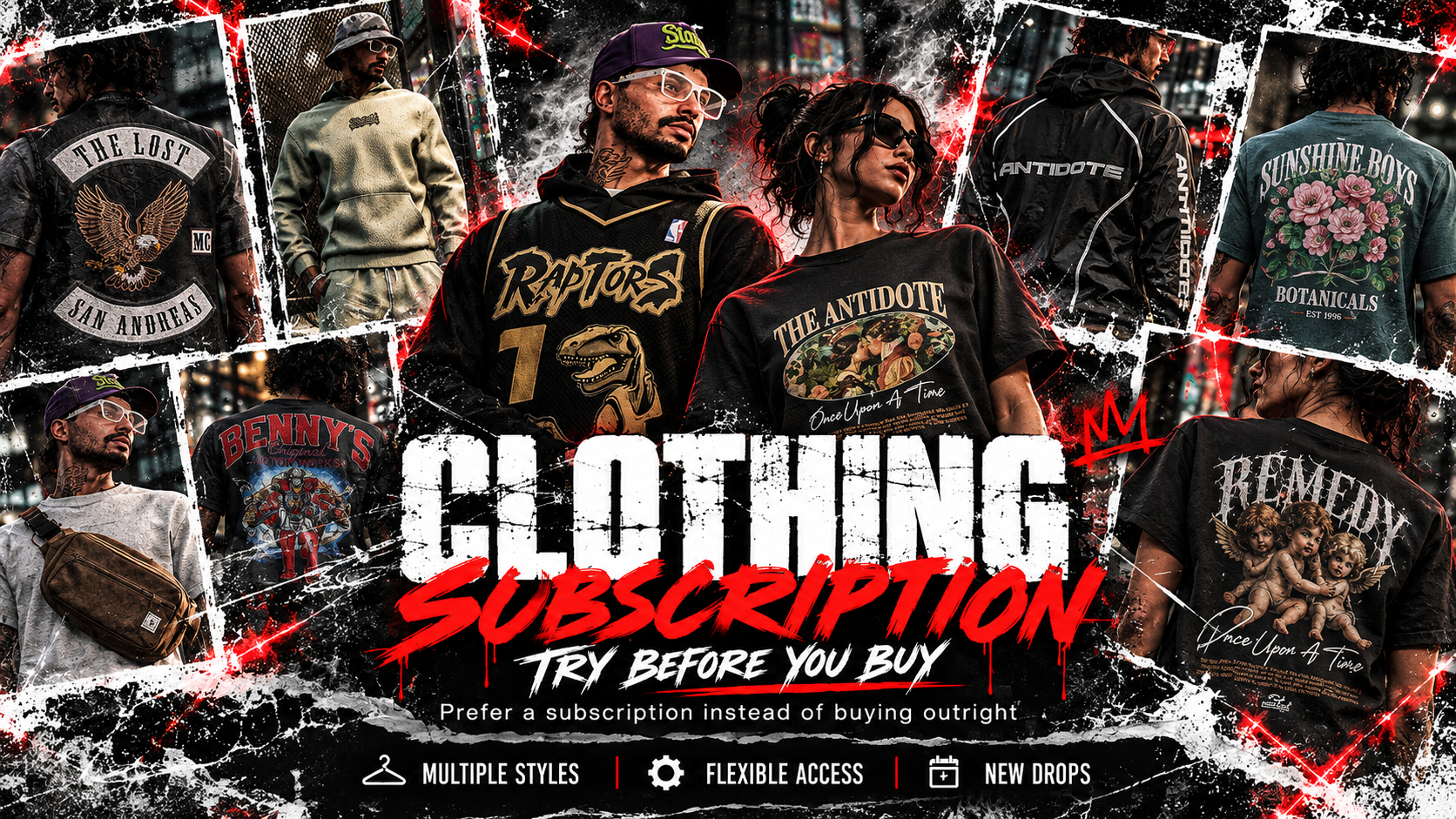
TRY BEFORE YOU BUY — YOUR STYLE, YOUR WAY.
Looking to refresh your FiveM server's wardrobe without committing to purchasing every clothing package outright?
Introducing the A1L1 Clothing Subscription, giving you access to our clothing collection for an affordable recurring price.
Whether you're looking to try our clothing before making a permanent purchase or simply prefer the flexibility of a subscription, you can enjoy a range of outfits, accessories and custom-designed clothing without the full upfront cost.
From everyday streetwear and accessories to motorcycle club clothing and custom workwear, our subscription brings multiple A1L1 releases together in one convenient package.
Try Before You Buy – Experience our clothing on your server before deciding whether to purchase individual packages outright.
More Clothing, Less Upfront Cost – Access multiple clothing packages through one convenient subscription instead of purchasing each separately.
Flexible Access – Enjoy the included clothing for as long as your subscription remains active.
One Combined Resource – All included clothing has been packaged into a single FiveM resource for simpler installation and management.
Optimised Textures – Use the supplied optimised textures, with optional high-resolution alternatives for supported garments.
Your subscription provides access to the following nine clothing packages:
All nine packages are supplied together as one combined FiveM clothing resource, with their available garment and texture variations.
Not ready to buy outright? Subscribe, explore the collection and find what works for your server.
Your clothing subscription is delivered in two separate ZIP files, each under 1,000 MB.
These are companion downloads, not multipart archives. The first contains the complete working FiveM resource, while the second provides optional high-resolution texture alternatives.
Resource folder: al1l_clothing_subscription
Collection name: al1l_subscription
01_al1l_clothing_subscription.zip
This is the main download and contains everything required to run the clothing subscription on your FiveM server, including:
The complete combined FiveM resource.
Active clothing models and textures.
Optimised texture alternatives where available.
Templates, artwork and previews.
Original instructions, examples and reference files.
02_al1l_clothing_high_textures.zip
This optional companion download contains high-resolution texture alternatives, already named and organised to match the combined resource.
Both ZIP files use the same top-level folder: al1l_clothing_subscription.
ZIP 01 works independently. ZIP 02 is entirely optional.
Extract 01_al1l_clothing_subscription.zip into a working folder on your computer.
If you want the optional high-resolution textures, extract ZIP 02 into the same working folder and allow the existing folders to merge.
Ensure the optional textures are located under:
al1l_clothing_subscription/extras/textures/high/
Do not create a second nested al1l_clothing_subscription folder.
Copy the completed al1l_clothing_subscription folder into your FiveM server's resources directory.
Disable or stop any original standalone resources containing the same clothing to avoid conflicts.
Add the following line to your server.cfg:
ensure al1l_clothing_subscription
Restart your server and reconnect to load the collection.
There should be only one fxmanifest.lua at the top level of your combined resource.
Important: ZIP 02 contains optional textures, not a separate FiveM resource. Do not add another ensure command for it or start its folders independently.
Only files inside the active stream/ directory are streamed to players. You can keep the optional extras on your development computer instead of uploading them to your server.
The collection uses optimised textures wherever they are supplied. Benny's Original Workwear retains its original textures.
High-resolution alternatives are available for supported garments.
Installing ZIP 02 does not automatically enable high-resolution textures.
You must manually replace the relevant files if you wish to use them.
extras/textures/high/..ytd files into the matching garment and gender folder inside stream/, replacing the existing files with the same names.Repeat the same process using the files in:
extras/textures/optimized/
For garments without optimised alternatives, use their original textures supplied in ZIP 01.
Important: Never place multiple active copies of textures with identical asset names in different stream/ subfolders, as this can cause conflicts.
| Folder | Purpose |
| --------------------------------------- | ------------------------------------------------- |
| data/ | Male and female clothing collection registration. |
| stream/metadata/ | Compiled male and female YMT files. |
| stream/// | Active clothing models and textures. |
| extras/textures/optimized/ | Optimised texture alternatives. |
| extras/textures/high/ | Optional high-resolution textures from ZIP 02. |
| extras/templates_and_previews/ | Artwork, texture maps and previews. |
| extras/original_readmes_and_examples/ | Original instructions and examples. |
| extras/original_alternatives/ | Additional original texture copies. |
| extras/original_registration/ | Previous manifests and metadata for reference. |
Files in extras/original_registration/ are provided for reference only.
Do not start the old resources or copy their YMT files into the active collection.
The combined resource contains the included clothing packages under a single collection named al1l_subscription.
If you're migrating from our individually purchased clothing resources, your existing outfit IDs may require remapping.
If your server uses clothing menus with explicit item whitelists, you'll also need to update the relevant configuration to recognise the combined collection.
After installation, we recommend checking both male and female freemode characters and testing all applicable clothing and texture variations in-game.
This is a subscription, not a permanent purchase.
Your subscription provides access to the included clothing while your subscription remains active.
If you would prefer permanent ownership of an individual package, you can purchase it separately from our standalone clothing category.
Subscribe today and give your server's wardrobe an upgrade without the full upfront commitment.
